 MobilCAD
What is it for?
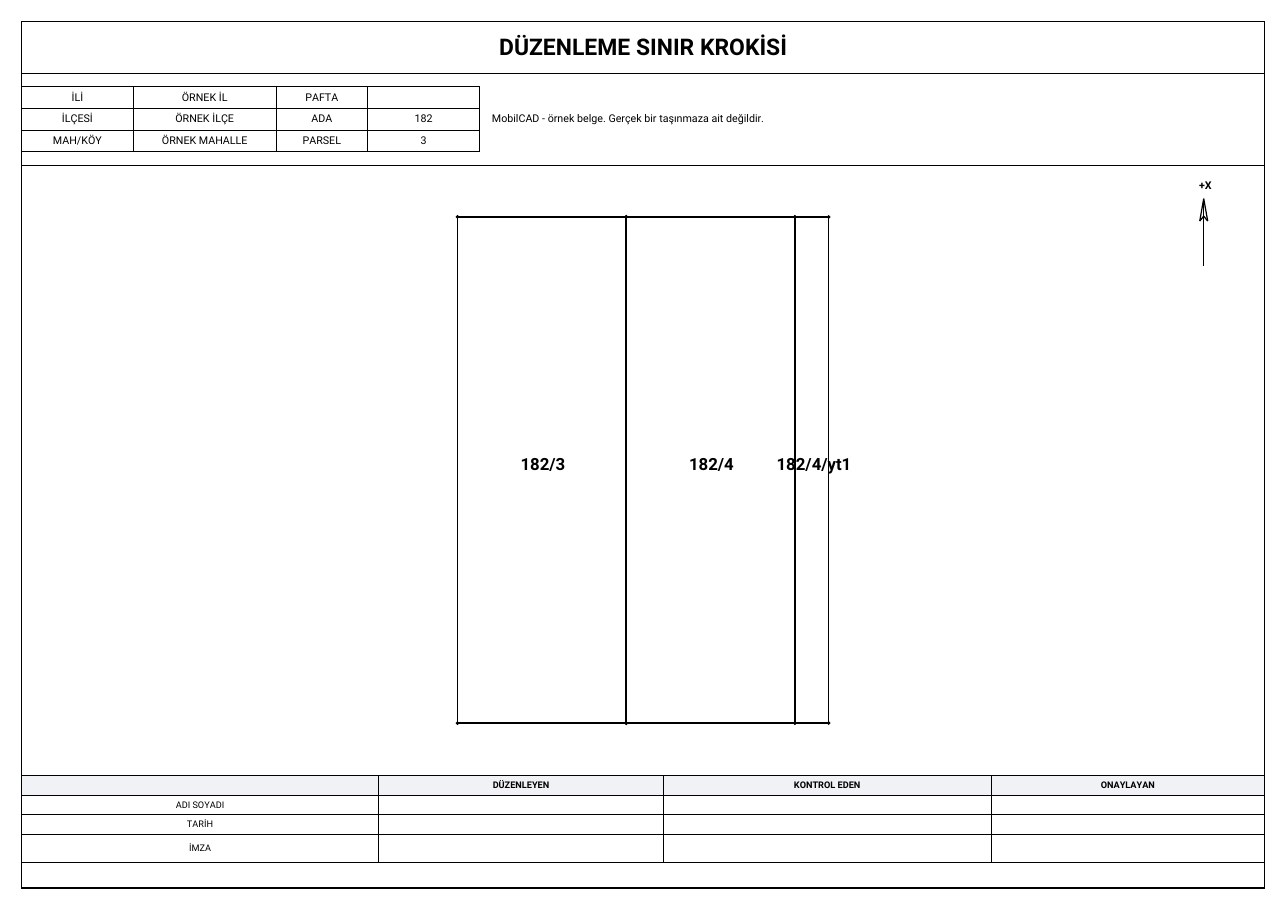
Regulation Boundary Sketch
Türkiye only
These templates are designed for cadastral document formats used in Türkiye.
Present selected drawings and areas representing the regulation boundary. Edit the paper information and layout separately from the source CAD data.
What does it contain?
- Selected areas and drawing details
- Scale and page orientation
- Identity and approval section
How to prepare it
- Open the Template Center on the CAD screen and select a document type. Templates start blank.
- Select the relevant CAD parcels and drawing details. Transfer them into the document using the template’s send-selection action.
- Check the document information and page layout. Open the preview and review the coordinates and contents of the PDF output.
Template edits do not change the source CAD drawing. Drafts remain in the current session and drawing page; they do not replace a saved project.
Check the location, block/parcel identity, coordinate system and preparer details before sharing the output. Also compare its contents and layout with the receiving authority’s requirements.